Help and Resources for Leapfrog Geo 2026.1
- Getting Help
- New to Leapfrog Geo?
- What’s New in Leapfrog Geo 2026.1?
- Downloading PDFs
- Learning Resources
- Troubleshooting Resources
Getting Help
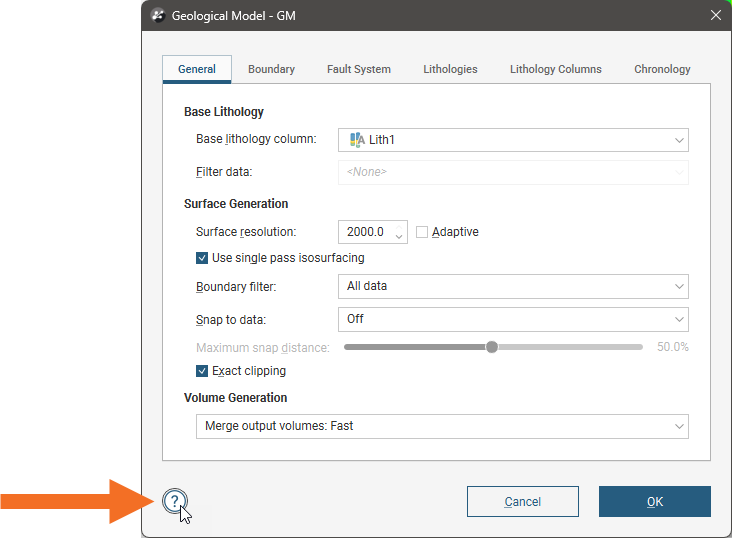
To view help while working in Leapfrog Geo, press the F1 key or click on the help button that appears in many windows:
New to Leapfrog Geo?
If you’re new to Leapfrog Geo, see the following topics:
These will help you with signing in and making sure you have up-to-date graphics drivers.
Once you’re signed in, the following topics provide an introduction to working in Leapfrog Geo:
- Managing Leapfrog Geo Projects
- The Project Tree
- The 3D Scene
- Visualising Data
- Slicing Through Data in the Scene
- Organising Your Screen Space
To learn more about working with data in Leapfrog Geo, see the Working With Data Tables topic and its subtopics.
What’s New in Leapfrog Geo 2026.1?
For information on what’s new in Leapfrog Geo 2026.1, visit MySeequent.
Downloading PDFs
To view a PDF of all Leapfrog Geo keyboard shortcuts, click here.
To view a PDF of the file types Leapfrog Geo supports, click here.
Learning Resources
The Seequent Learning Centre
The Seequent Learning Centre has resources that will help you get up and running with Leapfrog Geo. Visit lms.seequentlearning.com and select Leapfrog Geo from the Catalogue:

Leapfrog Geo Mastery Series
The Leapfrog Geo Mastery Series is a global webinar series designed to take your skills beyond the basics, teaching advanced skills and workflows that turn complex geological data into clear, decisive models. Visit the Leapfrog Geo Mastery Series page to find out more.
Troubleshooting Resources
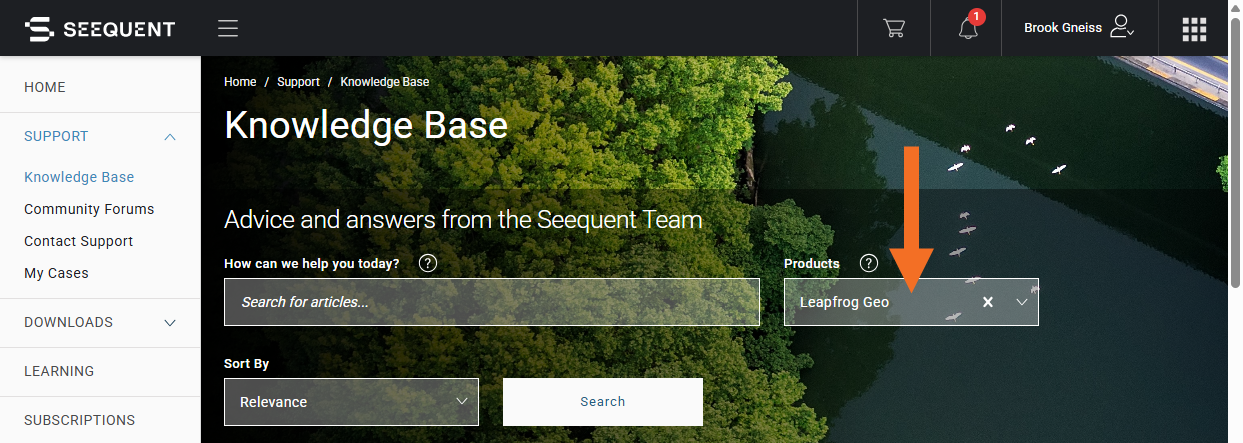
MySeequent contains troubleshooting resources for Leapfrog Geo. to search for the latest Leapfrog Geo support articles.