Exporting All Drillhole Data
To export all drillhole data, right-click on the Drillholes object and select Export. The Export Drillhole Data window will appear:
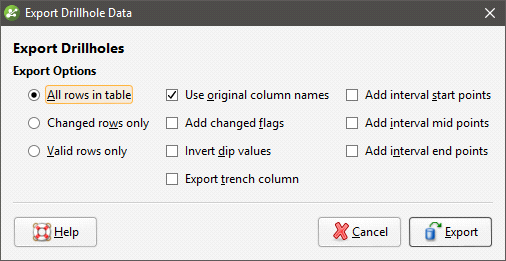
Once you have selected how you wish to export the data, click OK. The Export Drillhole Data Files window will appear:
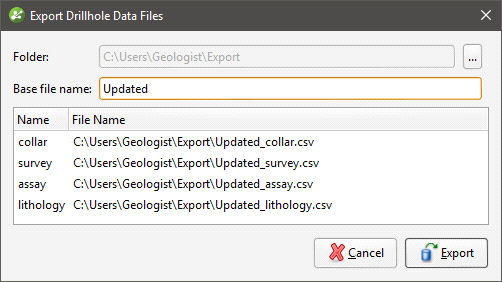
The list shows the files that will be created, one for each data table. Choose the Folder where the files will be saved, then enter a Base file name, which will be added to the front of each file name.
Click Export to save the files.
Exporting drillhole data in this way uses To and From values to indicate location information. If you wish to export data with X-Y-Z values, extract points data using one of the following options:
- Extracting Contact Points from Drillhole Data
- Extracting Intrusion Values from Drillhole Data
- Extracting Interval Midpoints from Drillhole Data
Then export the data object as described in Exporting Points Data.