Evaluations on Sections
This topic addresses how to evaluate objects onto sections, not adding objects to section layouts. To learn about editing section layouts, see the Section Layout Editor topic.
Different objects in the project can be evaluated on sections, as described in the modelling concepts topic Evaluations. Such objects include:
- Geological models
- Numeric models
- Distance functions
- Surfaces
- Design lines
- GIS lines
- Polylines
- Combined models
Flow models can be evaluated on cross sections but not on serial sections, alignment serial sections and long sections.
Objects evaluated on sections can be included when the section is exported.
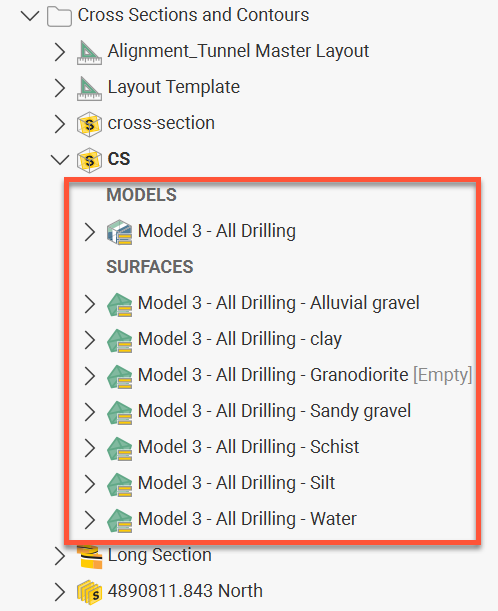
Objects evaluated onto a section will appear in the project tree under the section object, categorised into MODELS and SURFACES.
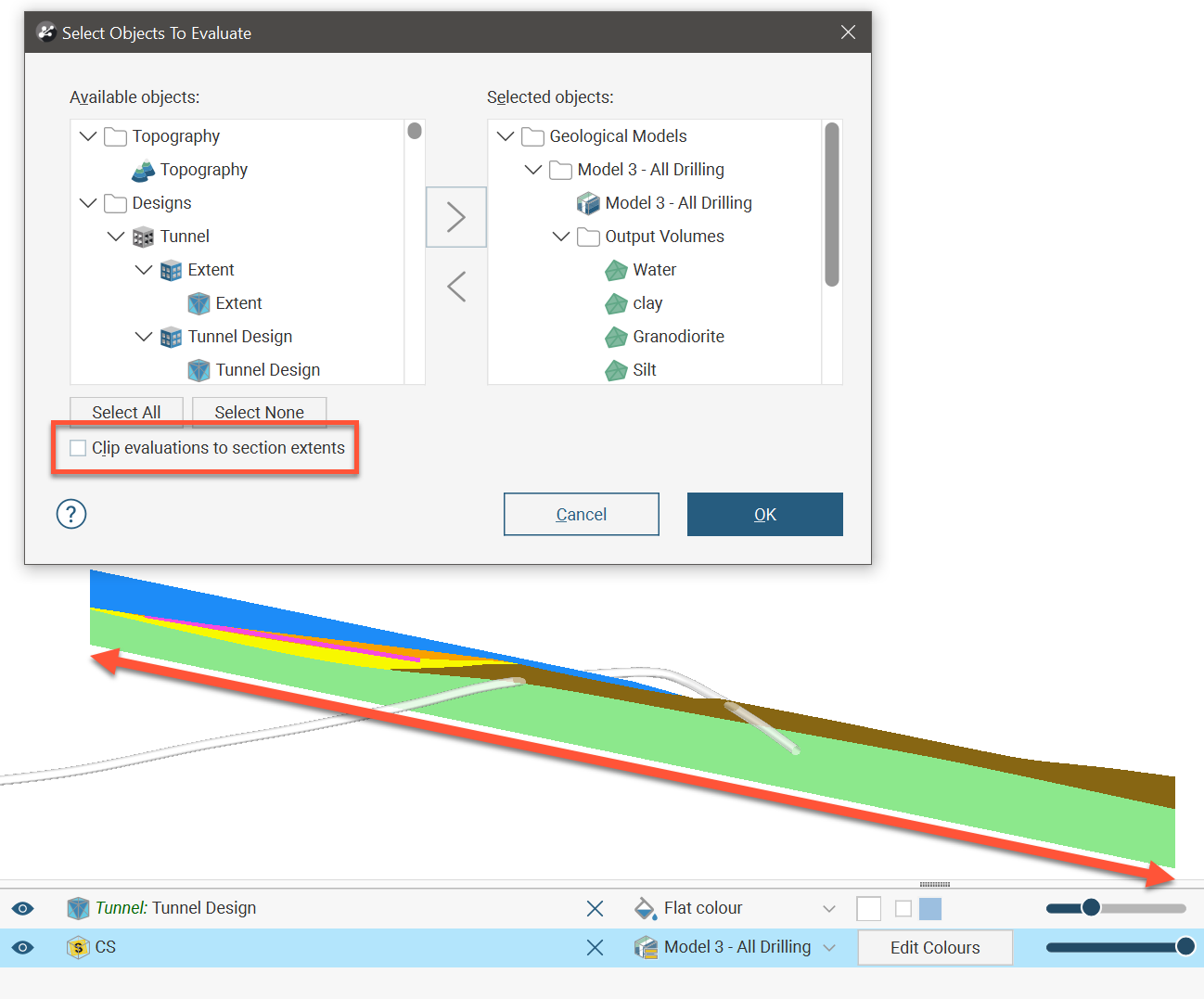
When a section layout or layout template is created and objects are added to it, they are automatically added as evaluations onto the sections the layout is applied to. However, if it is desirable to define a section without a section layout and specify what is evaluated onto the section, you can create the section, then right-click a top-level section in the project tree and select Evaluations. In the Select Objects To Evaluate window, move objects from the Available Objects list to the Selected Objects list. You can then add the section to the scene to view the evaluations on the section in the scene.
Limiting Evaluations to Section Extents
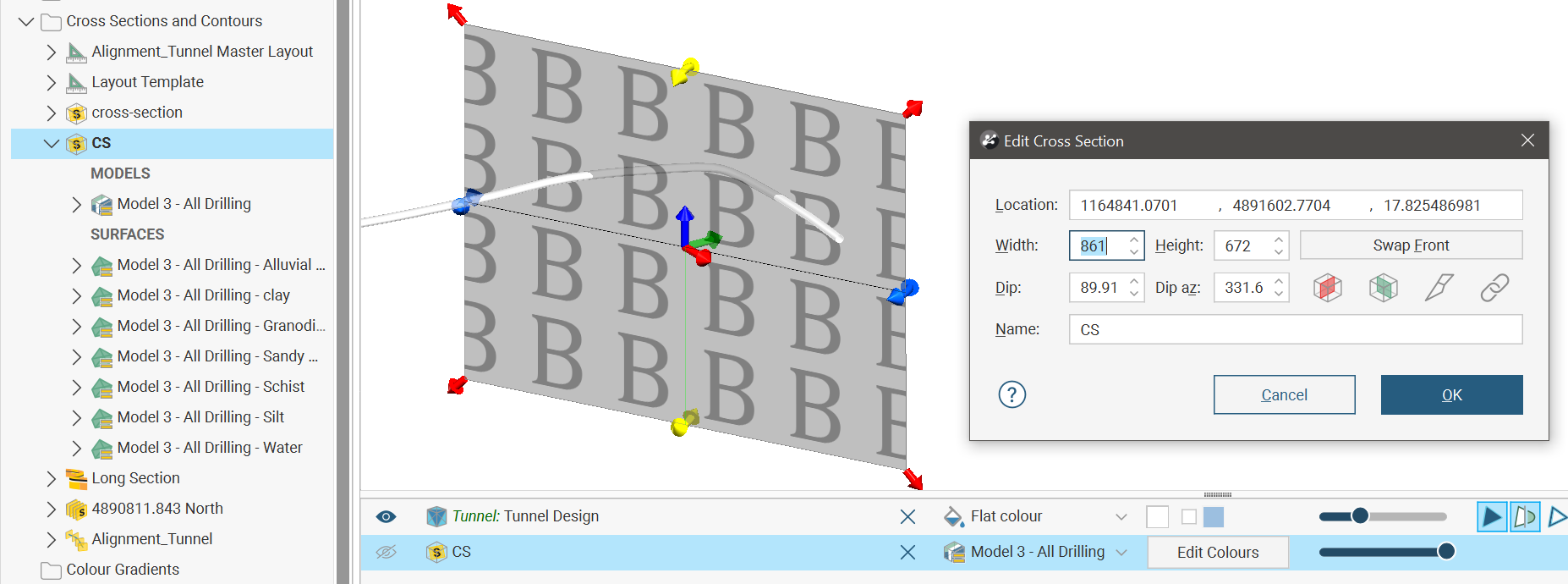
When evaluating objects on sections, you can limit the evaluation to the section extents. To do this, enable the Clip evaluations to section extents option when selecting what objects you are evaluating. This will ensure that the section appears in the scene at the same dimensions as specified when the section was defined.
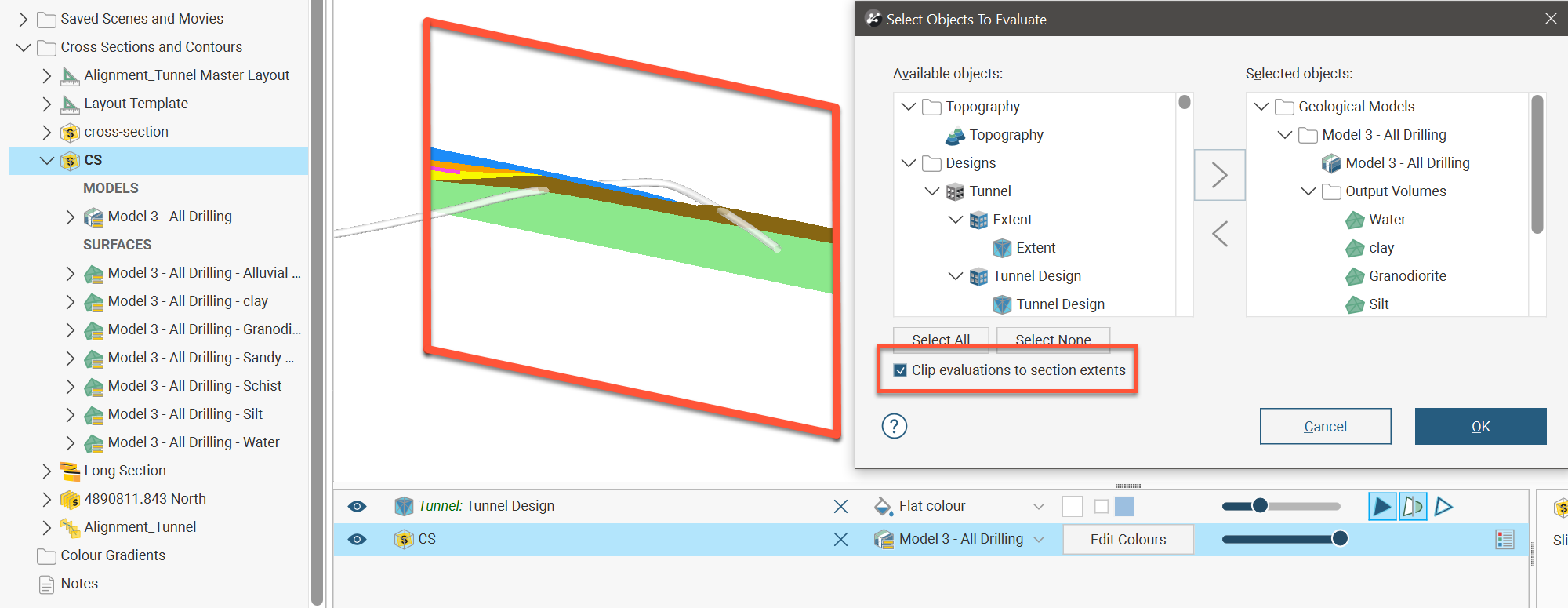
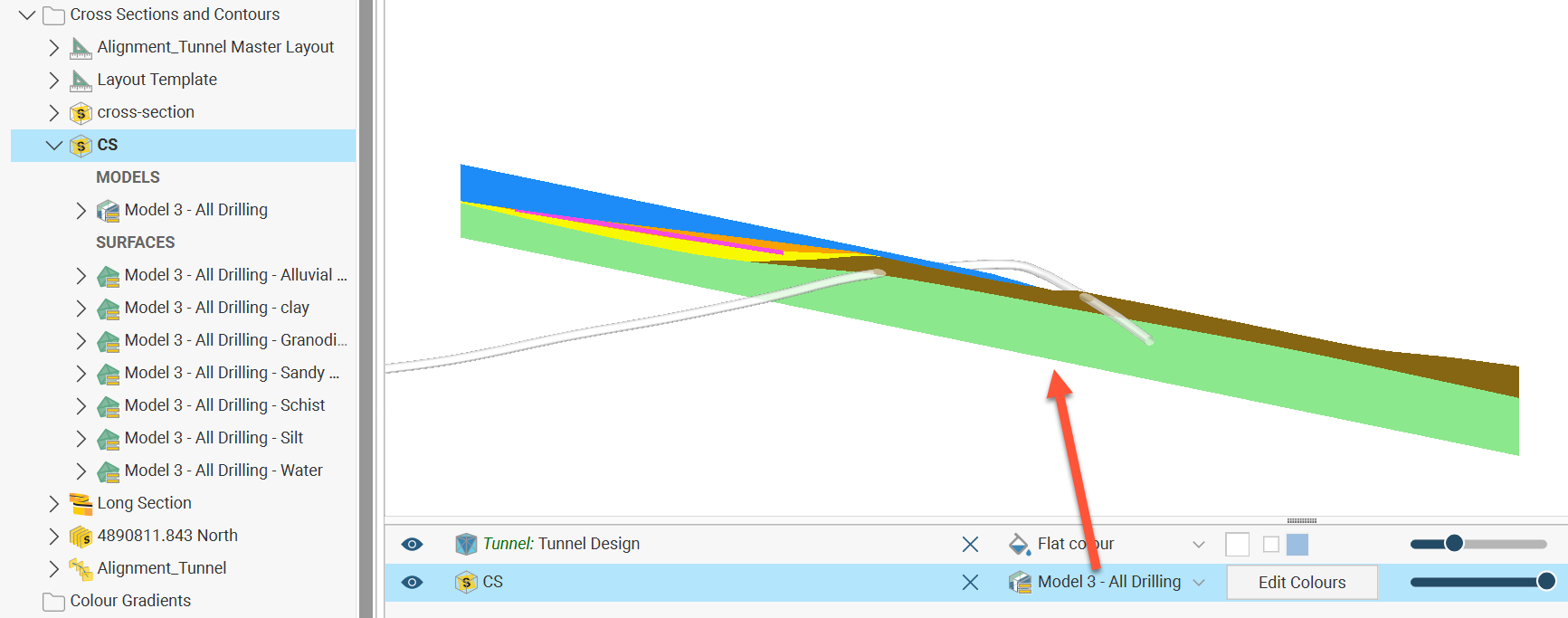
When Clip evaluations to section extents is unticked, the evaluation will continue along the plane of the section to the extent of the evaluated object.