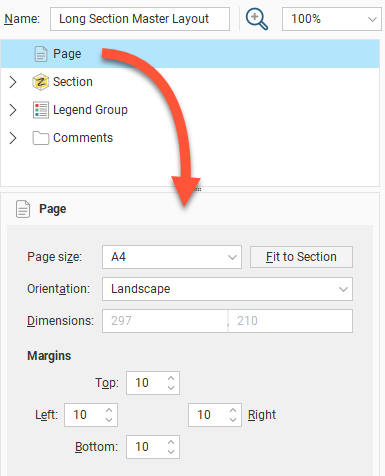
In the layout tree, click on Page to change the Page Size, Orientation and Margins.
If you wish to use a specific Scale, select the Orientation required, then click Fit to Section to choose the best page size.