Plan Views
Before a plan view is added to a section layout, you first need to create a plan view and a plan view layout. See Creating Plan View Layouts for Plan Views.
When editing a section layout, you can add a plan view to a section layout by right-clicking on the Plan View folder in the layout tree and selecting Add Plan View. The Add Plan View window will appear, listing the plan views available in the project. Select one and click OK. Resize and reposition the plan view on the section layout.
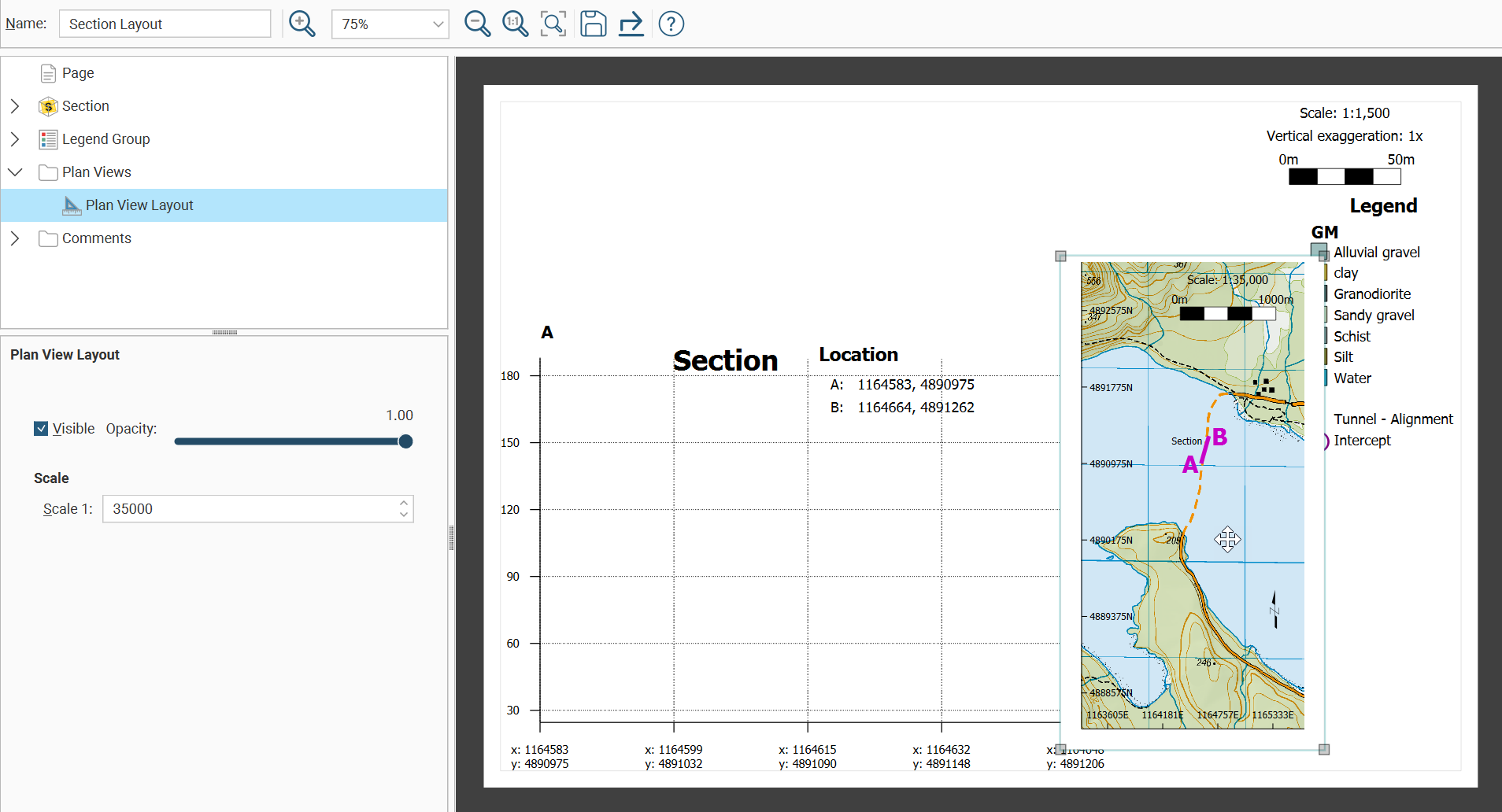
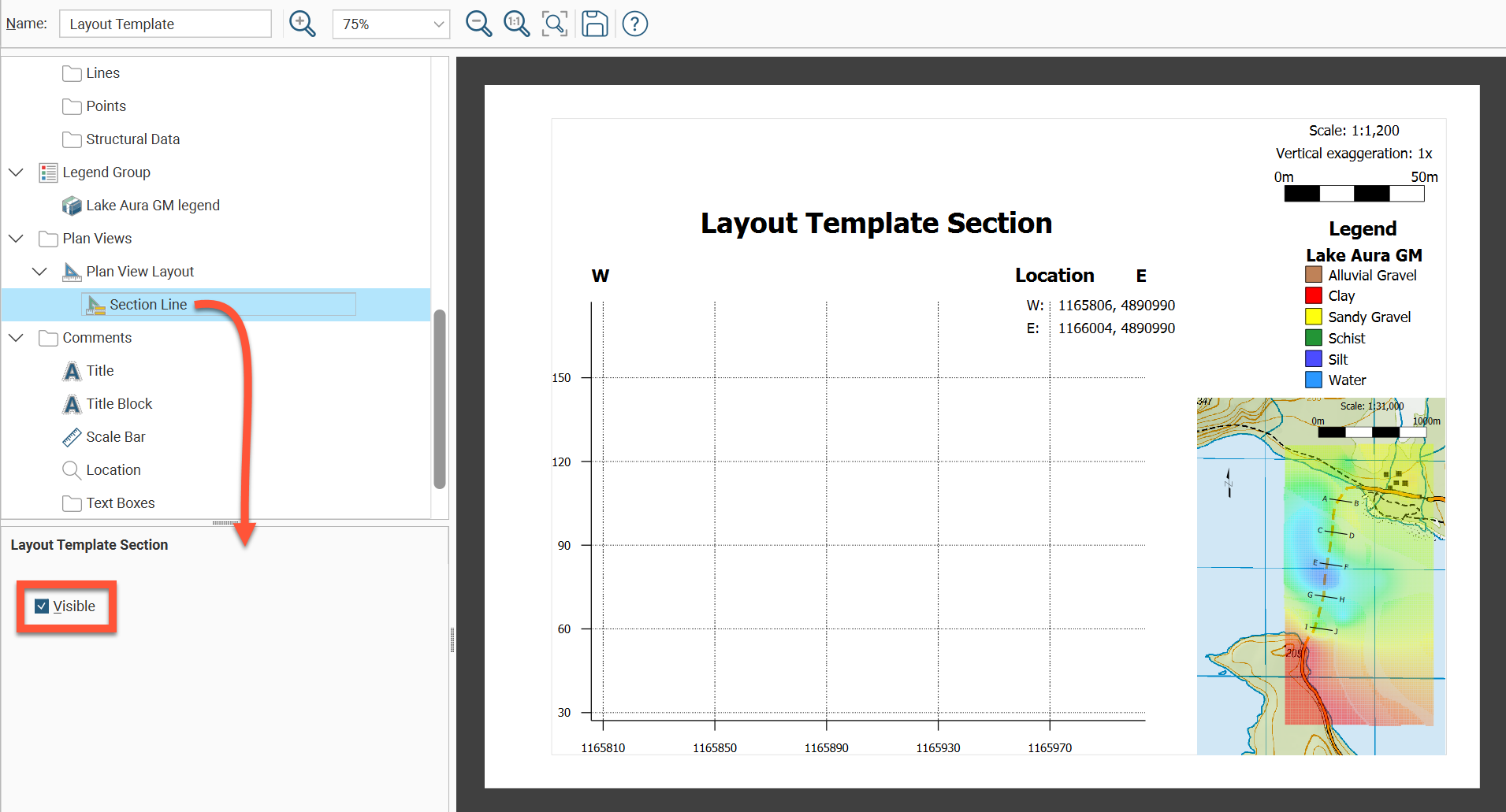
When adding a plan view layout that has a section line depicted, select Section Line from within the plan view layout and choose Visible from the options panel if you want to highlight the section line of the current section layout depicted on the plan view .
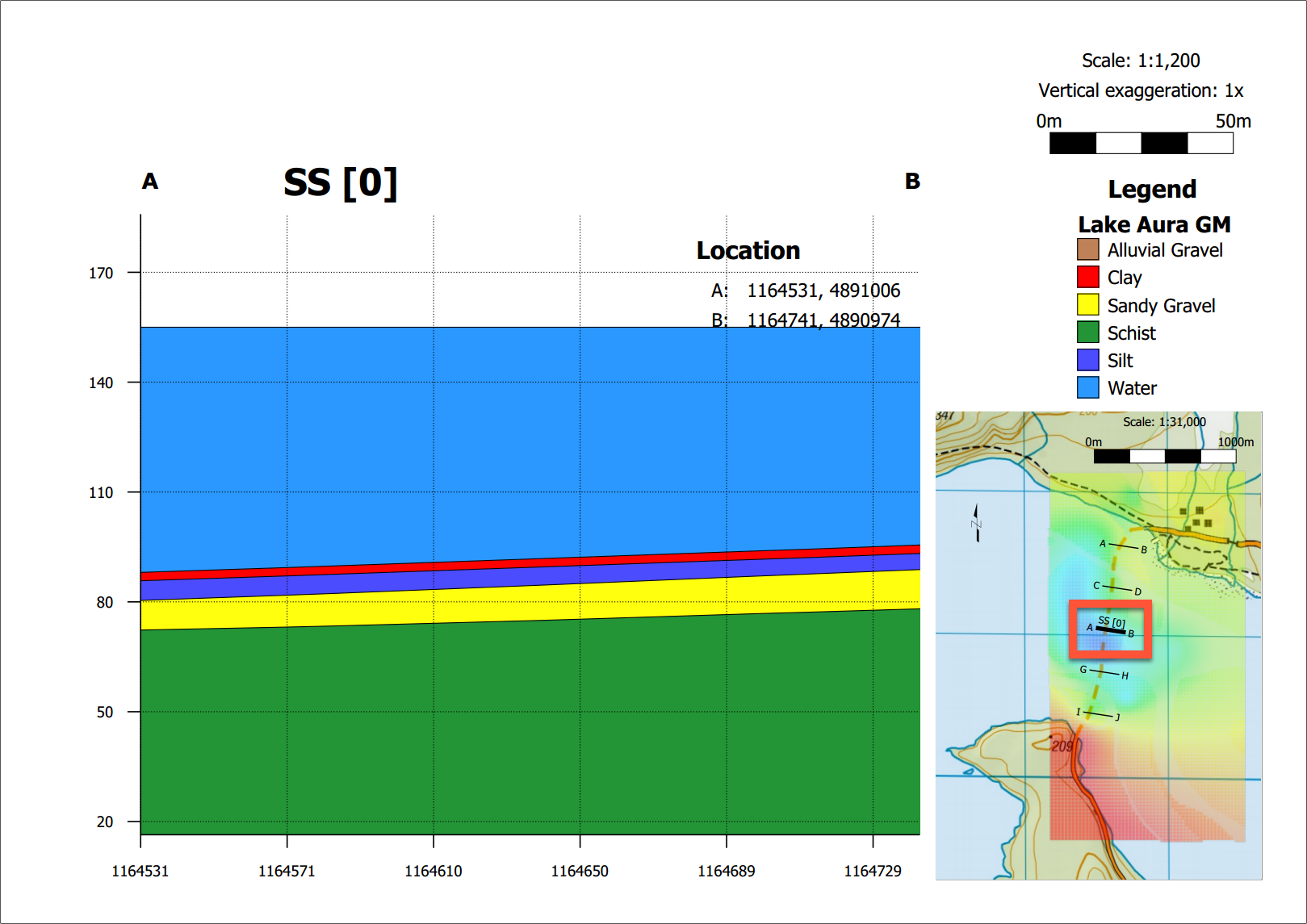
When the section layout is rendered, the section depicted on the section layout is highlighted on the plan view with a 1.5 wide thick black line as shown here: