
Adding GPS Coordinates to the Header
You can set the location of the drillhole or point by adding GPS co-ordinates to your header using your mobile devices onboard GPS. Internet connectivity can improve the accuracy of the GPS co-ordinates, however, it is not essential.
In your header select Add Coordinates

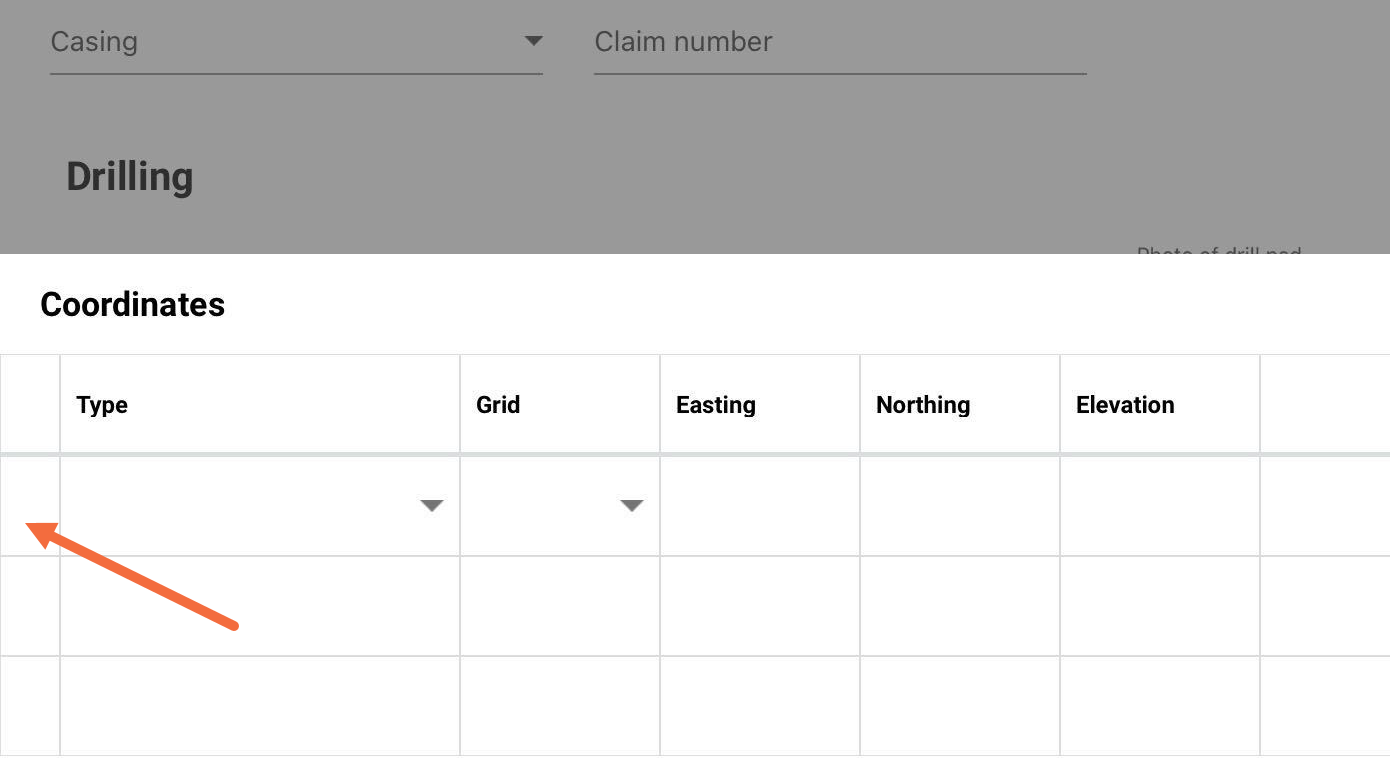
The drill hole Coordinates table will appear. Select the first cell on the left of the row you wish to add coordinates to.
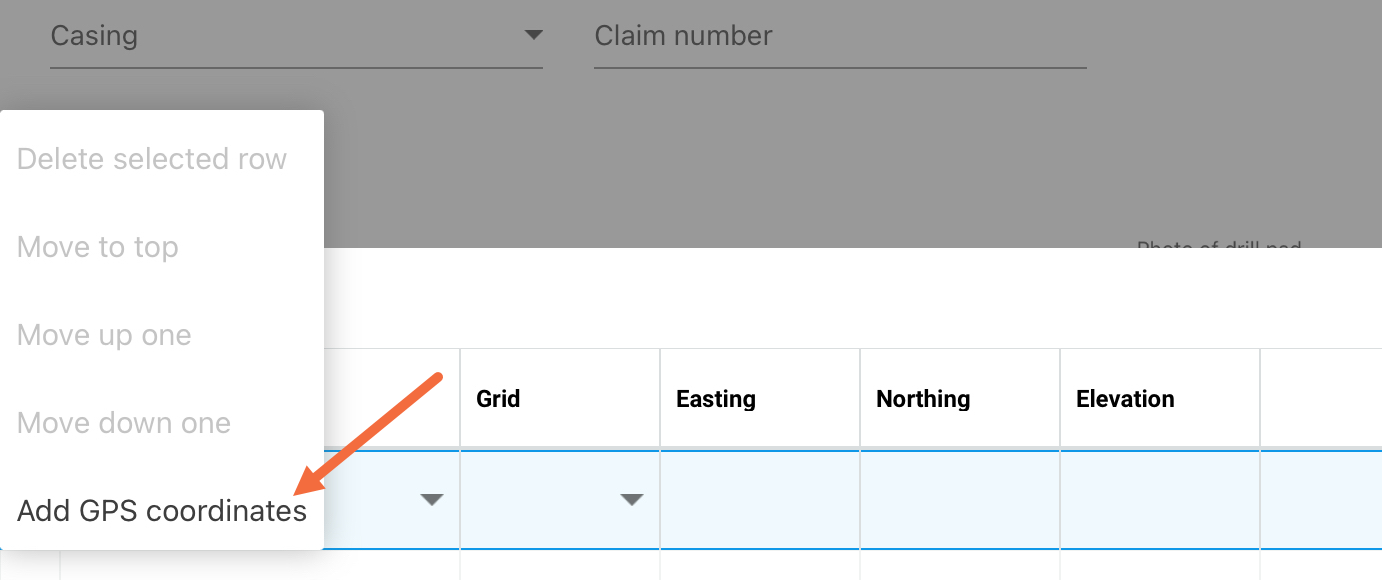
Select Add GPS Coordinates in the options that appear
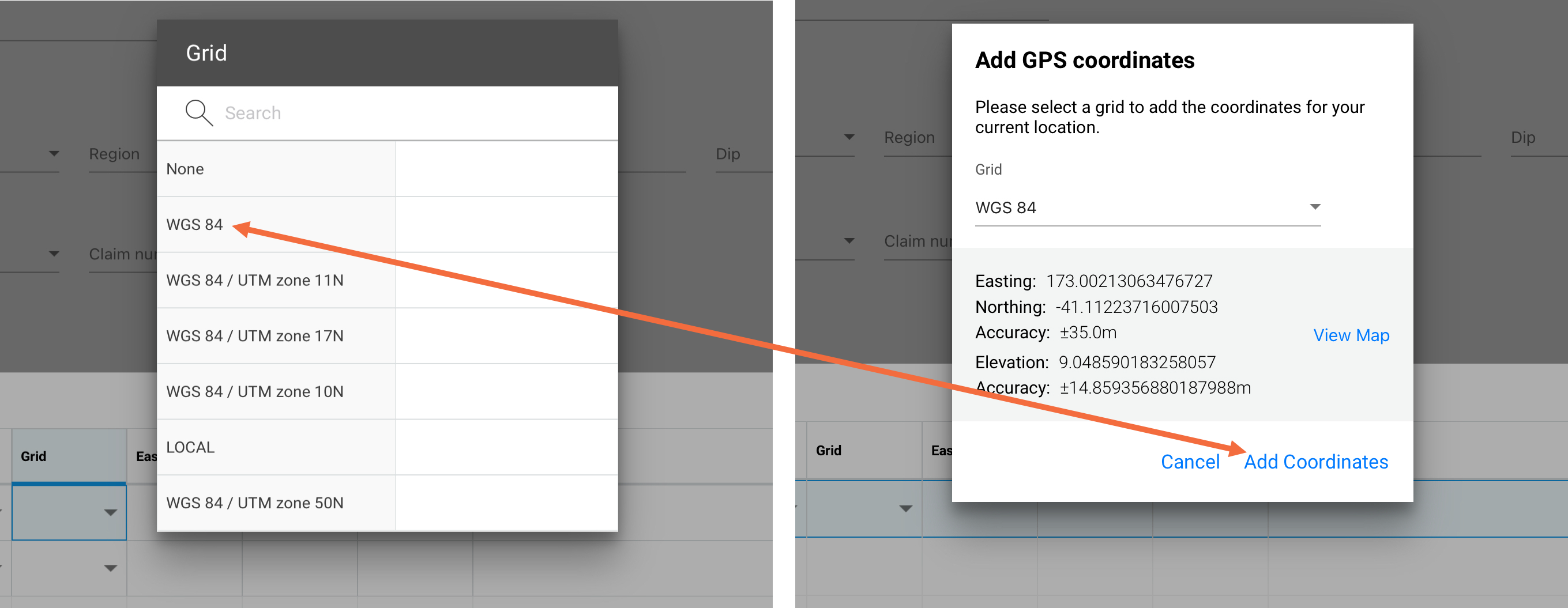
Choose your Grid and select Add Coordinates
The coordinates are added to the row in the coordinates table, tap anywhere outside the coordinates table to dismiss it. The location is now set for the drill hole.
If you have multiple co-ordinates to add for the same collar, such as when you have planned vs actual co-ordinates, the system will always use the top row of the co-ordinates table, so the most accurate co-ordinates need to be at the top.