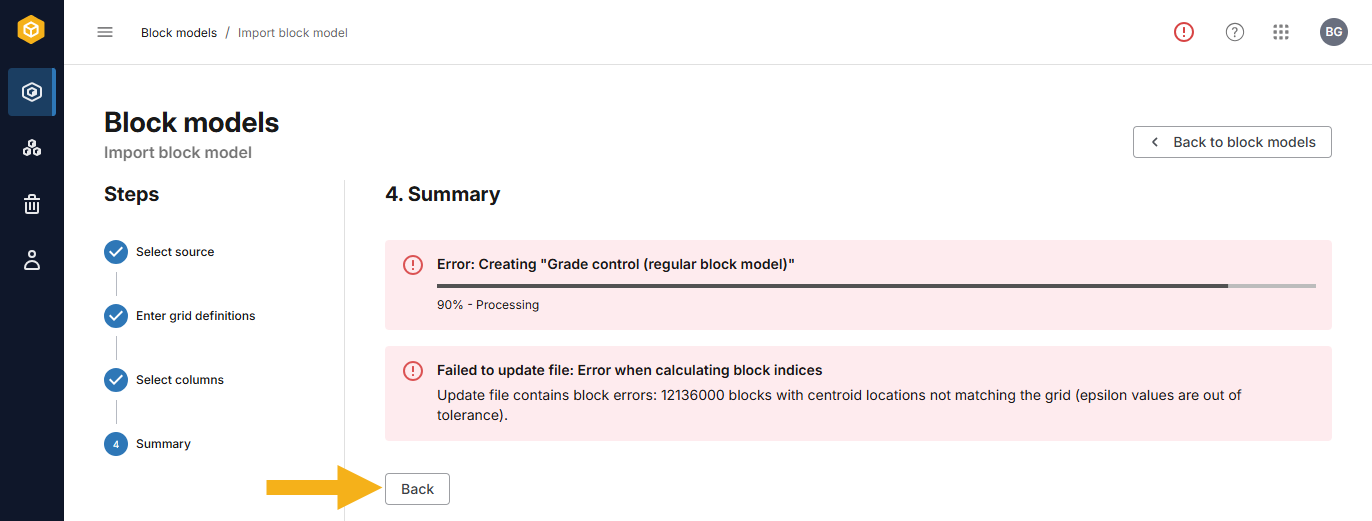
Finalising the block model import
Once you have worked through defining the block model grid and selecting columns, the final step in importing a new block model to BlockSync is to validate the model. Clicking Import in the Select columns step starts this validation process, which will result in the block model being saved to the designated workspace. Progress is displayed in the Summary window (A) and in the task queue (B):
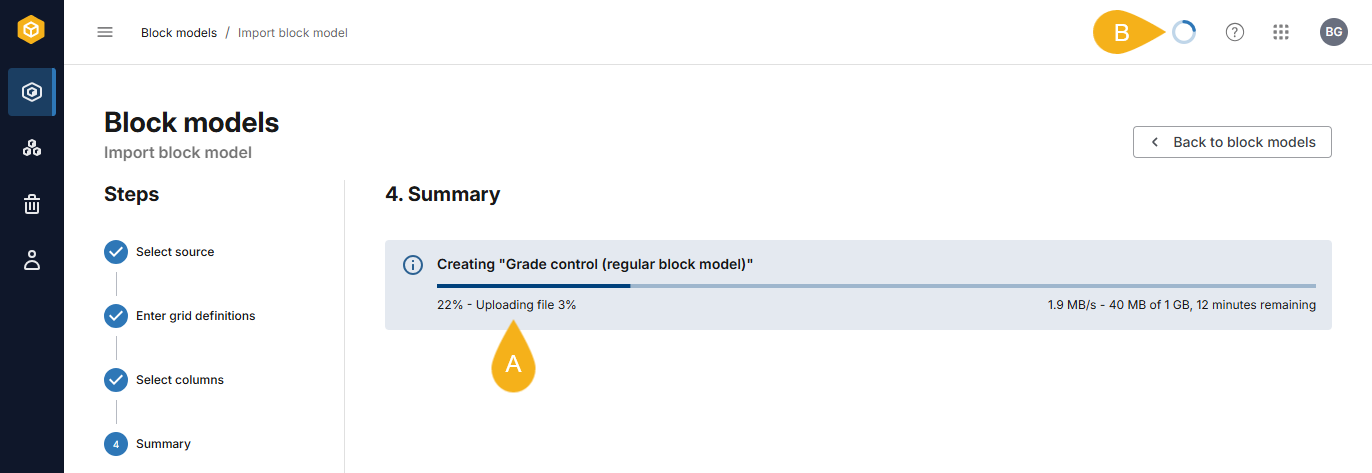
This process involves validating every block/row to ensure that it matches the model definition and that there are no errors such as overlaps, duplicates or gaps between blocks.
Once the file has been processed, a summary will be displayed.
If there are errors, use the summary displayed to troubleshoot. Use the Back button to step back to the point that may be the source of any errors.