
Reporting
For each BlockSync block model, you can create templates for reports that can be generated for each version of the block model. Reports can be set up to run automatically when a new version of the block model has been created. You can also:
- Create charts using the information in reports
- Compare two versions of a block model
See separate topics for information on:
- Setting up a block model for reporting
- Creating and generating reports
- Creating charts
- Comparing report versions
The rest of this topic describes:
Viewing existing reports
The Reports list for a block model shows all report templates that have been created for that block model, including when a report was last generated:
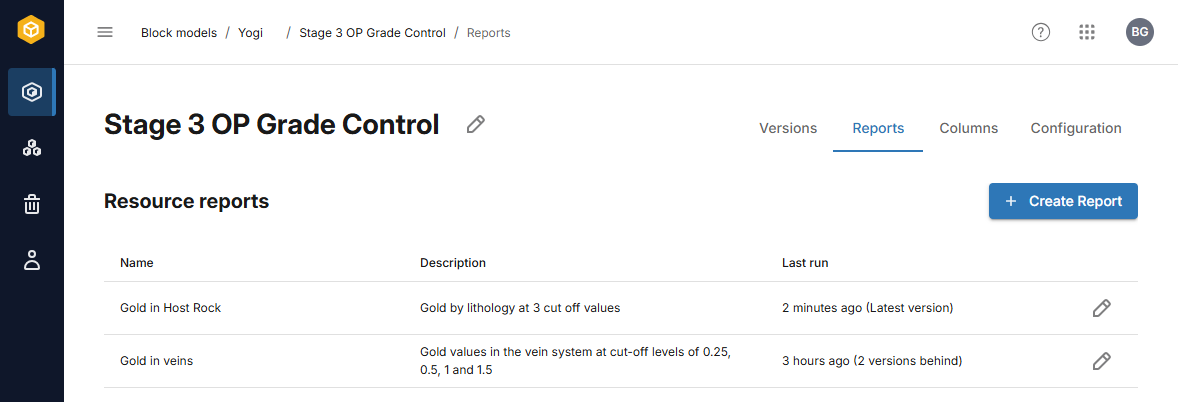
To view a report, click on it in the list.
Reports on older versions of the block model can be viewed by selecting them from the dropdown list:
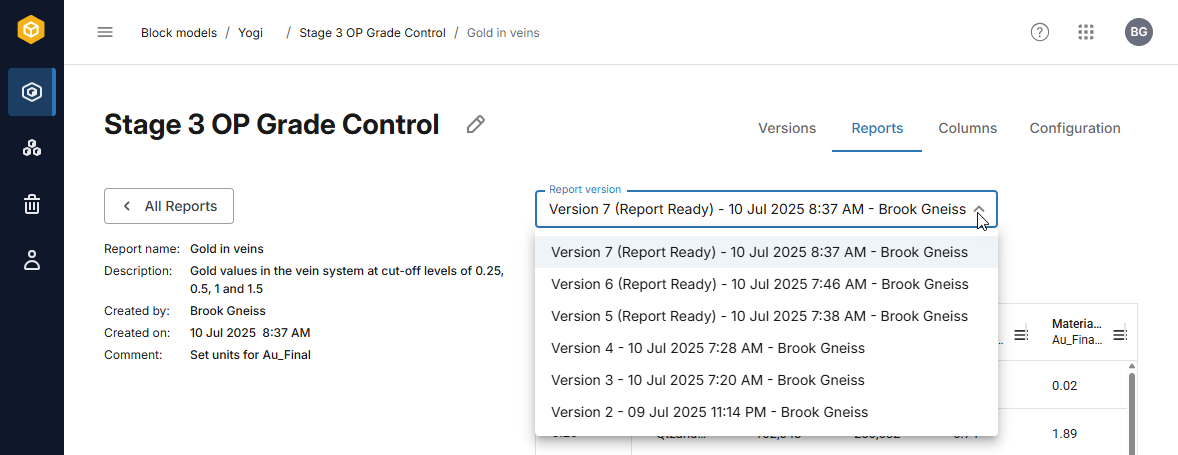
The label Report Ready indicates that a report has been generated for that version of the block model. If a report has not been generated for a version, you will be prompted to run the report if you select that version from the list.
Exporting and sharing reports
There are three options for exporting and sharing reports:
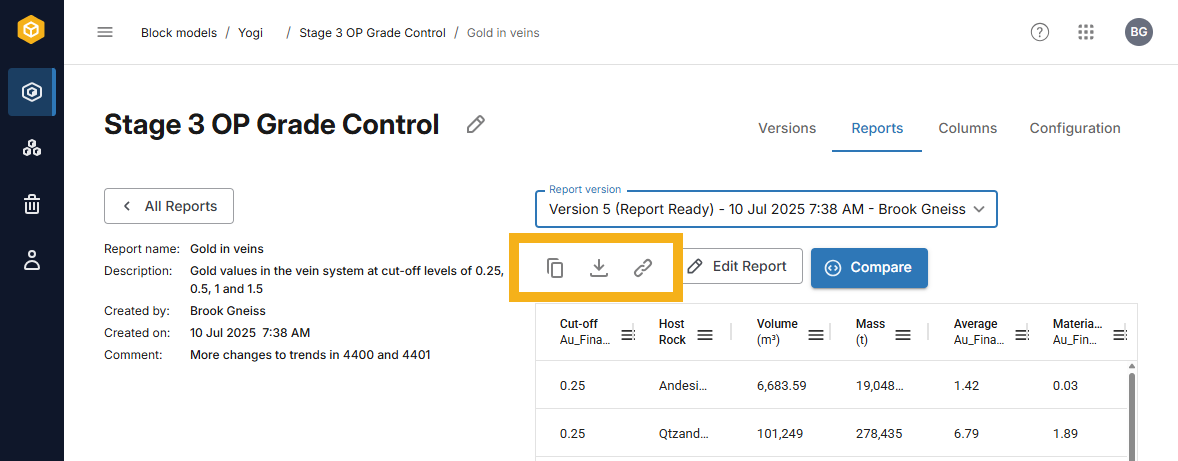
- The copy button (
 ) copies the data in the report to your clipboard in *.csv format.
 - The download button (
 ) saves a copy of the report in *.xlsx format to your browser’s download location.
 - The copy link button (
 ) copies a link to your clipboard you can share with other members of your team.